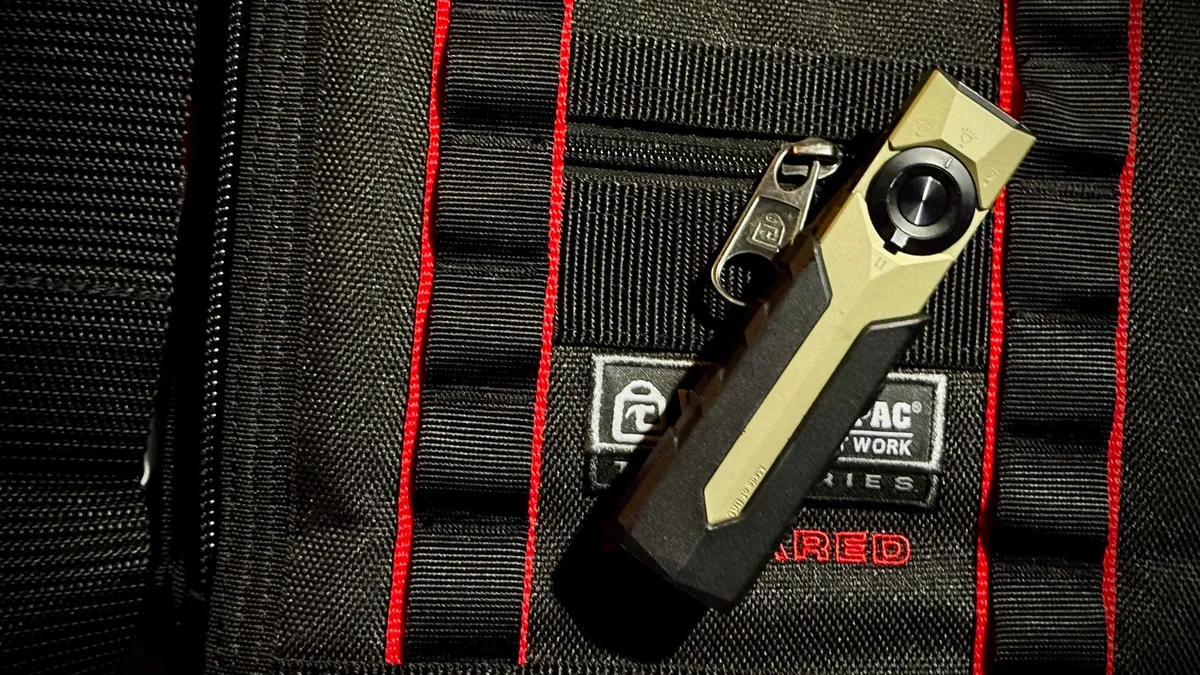
A flashlight earns pocket space the same way a set of drivers does, because the gap between needing light right now and digging for it gets measured in seconds during actual field work. The Arkfeld Ultra ran for months before the ArkPro Ultra arrived, and having lived with both, the differences are not marketing fluff. They change how the tool behaves in your hand.
What it is
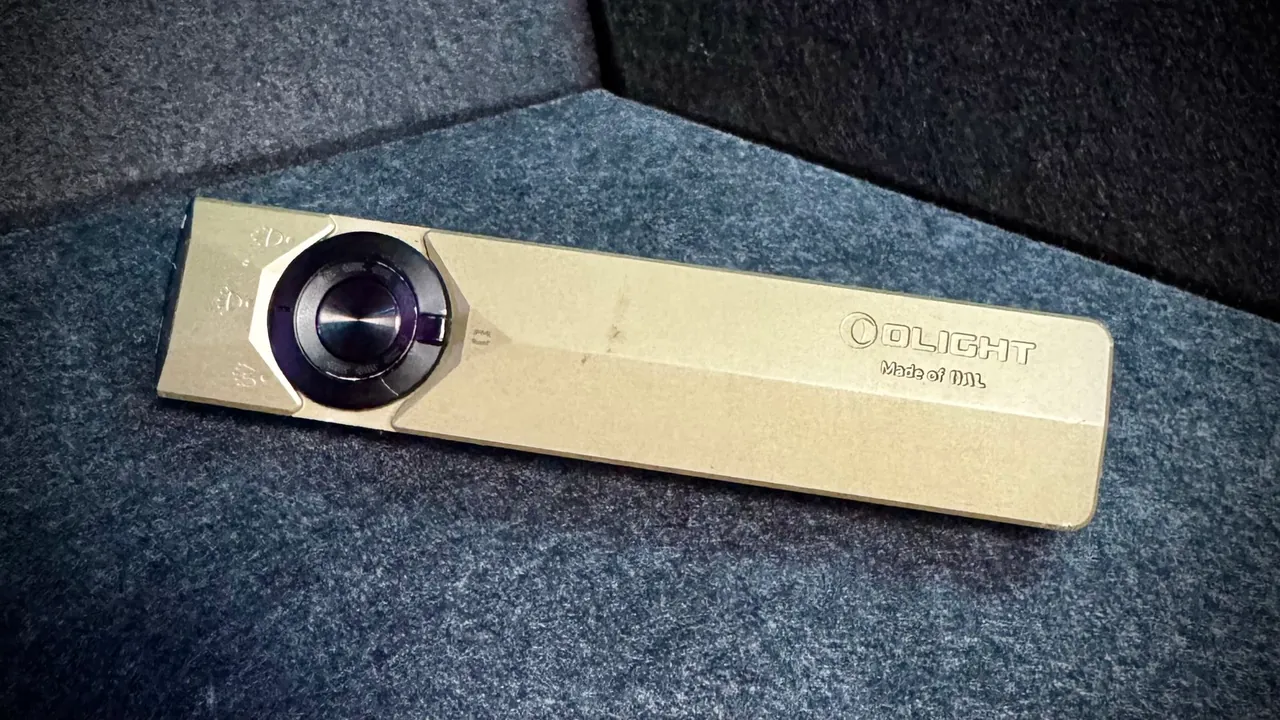
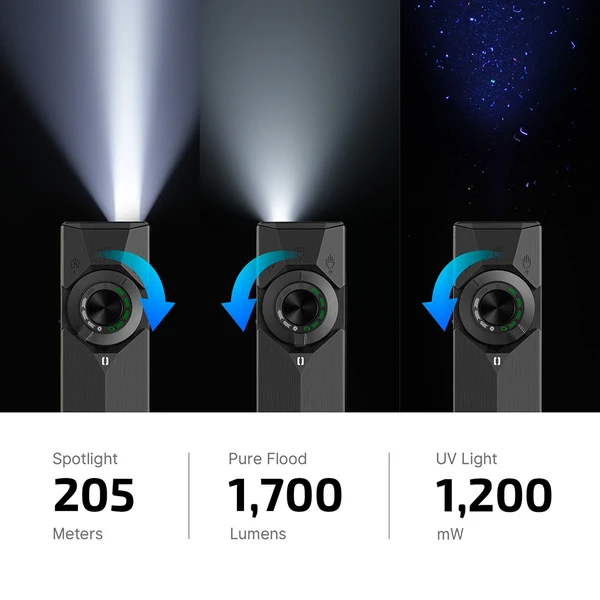
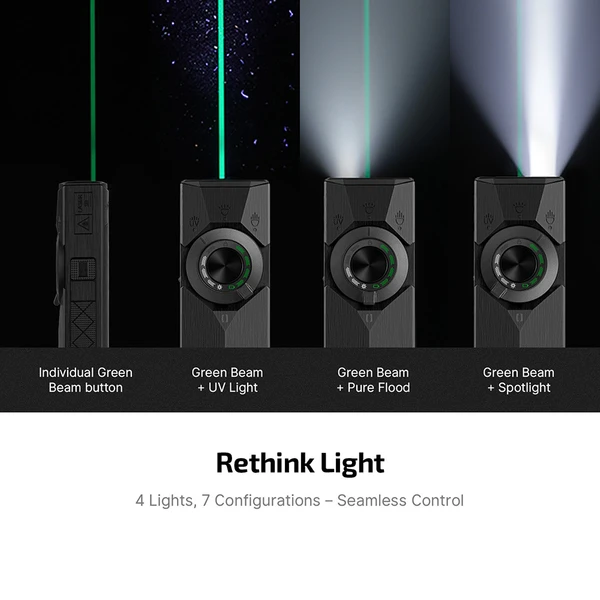
The ArkPro Ultra is a flat, unibody EDC light built from Olight’s O-aluminum, harder and more scratch-resistant than standard 6061. It packs four light sources into seven configurations: a 1,700-lumen Pure Flood beam for general use, an 800-lumen Spotlight reaching 205 meters, a dual-power UV light, and an independently controlled green laser. Three of the four, flood, spot, and UV, can each pair with the laser, though the two white beams do not run together. Power comes from a built-in 2,000 mAh battery, charged via USB-C or Olight’s magnetic MCC cable.
Spec sheet
- Peak output: 1,700 lumens flood, 800 lumens spot
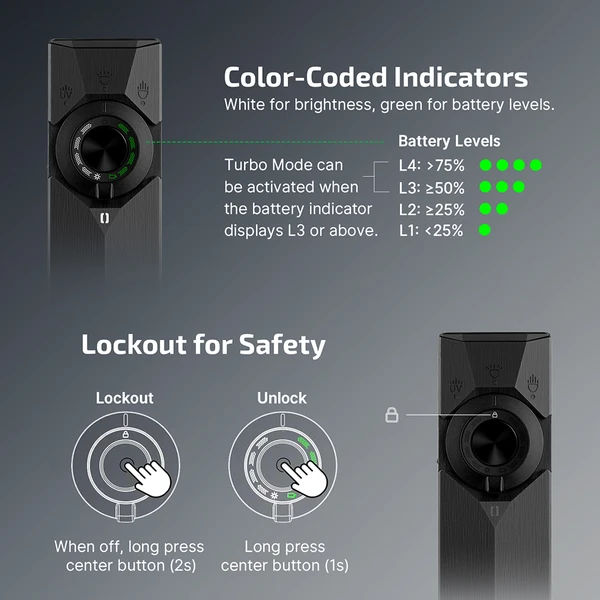
- Turbo is a burst, not a plateau: flood holds 1,700 lumens for about 3 minutes then settles to 520 lumens for around 140 minutes; spot holds 800 lumens for about 4 minutes then settles to 400 lumens for around 130 minutes
- UV light: 365 nm, dual power levels
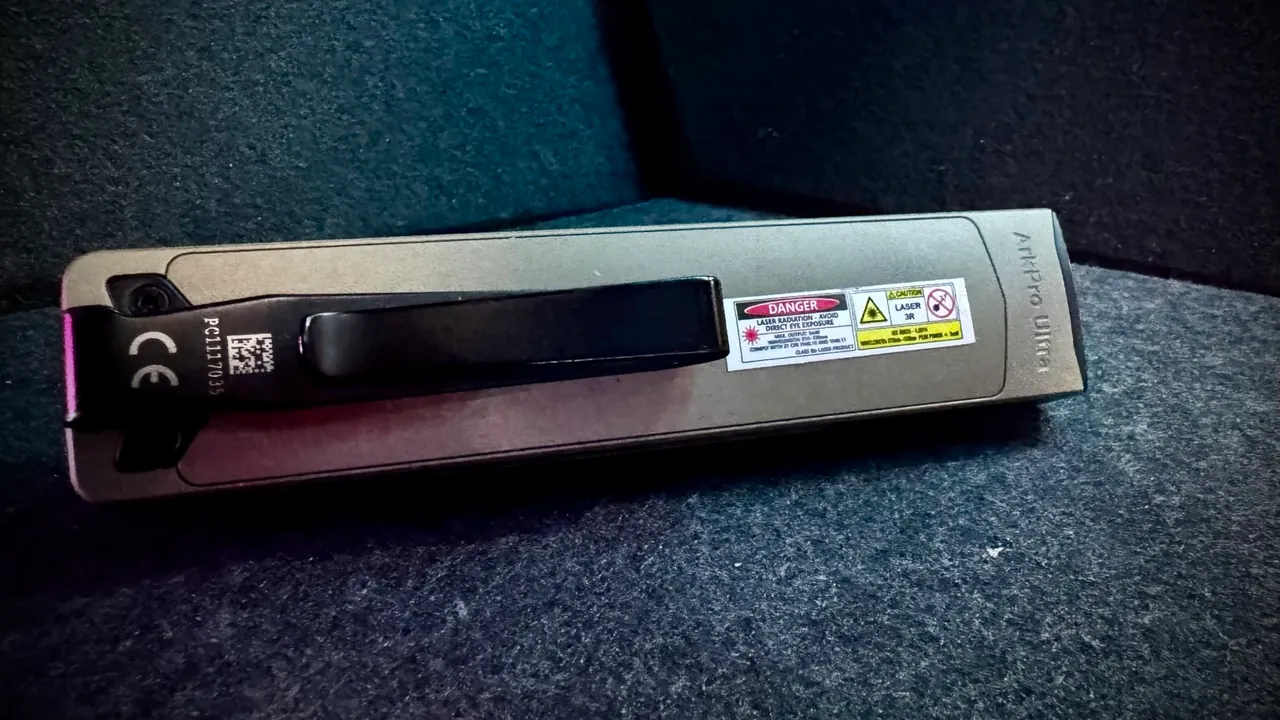
- Green laser: Class 3R, 510 to 530 nm, independent side-button control
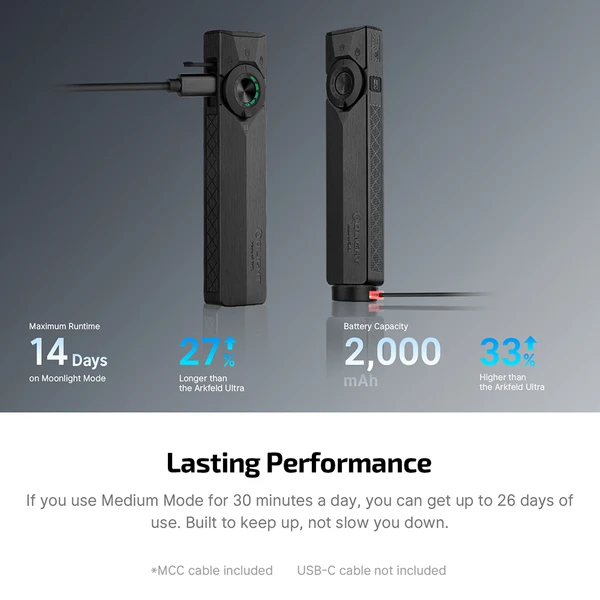
- Battery: built-in 2,000 mAh, charges via USB-C in about 1.5 hours or magnetic MCC in about 3 hours. Rated to hold over 80% capacity after 500 cycles
- Body: O-aluminum, which Olight rates at 1.73 times harder than standard 6061. Flat unibody, IPX7 waterproof
- Max beam distance: 672 feet (205 m) on spot
- ArkBeat accent light, color-shifting, cosmetic only
Versus the Arkfeld Ultra
The Arkfeld Ultra is a genuinely capable light: a 1,400-lumen single flood beam, 900 mW UV, the same Class 3R laser, all on a 1,500 mAh battery. It only does magnetic charging though, no USB-C, which means carrying a dedicated cable that does nothing else in the bag. And there is no dedicated spotlight mode, just the one flood profile, so distance work means accepting a softer beam instead of switching to something focused.
The two changes that matter most in daily carry are not obvious from a spec sheet. USB-C charging on the ArkPro Ultra means using the same cable already carried for a phone and a headlamp, with no risk of being stranded because the magnetic cable got left in a bag somewhere. Worth knowing before you buy: Olight includes the magnetic MCC cable but not a USB-C cable, on the reasonable assumption that you already own several.
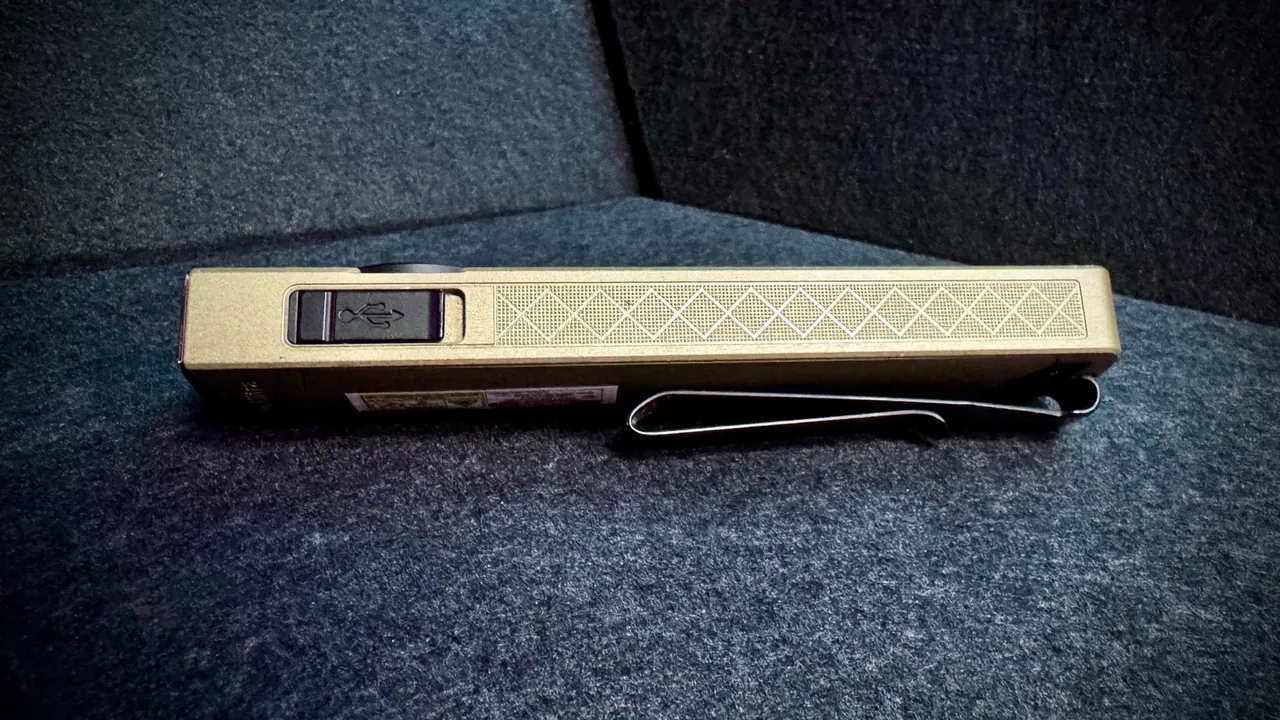
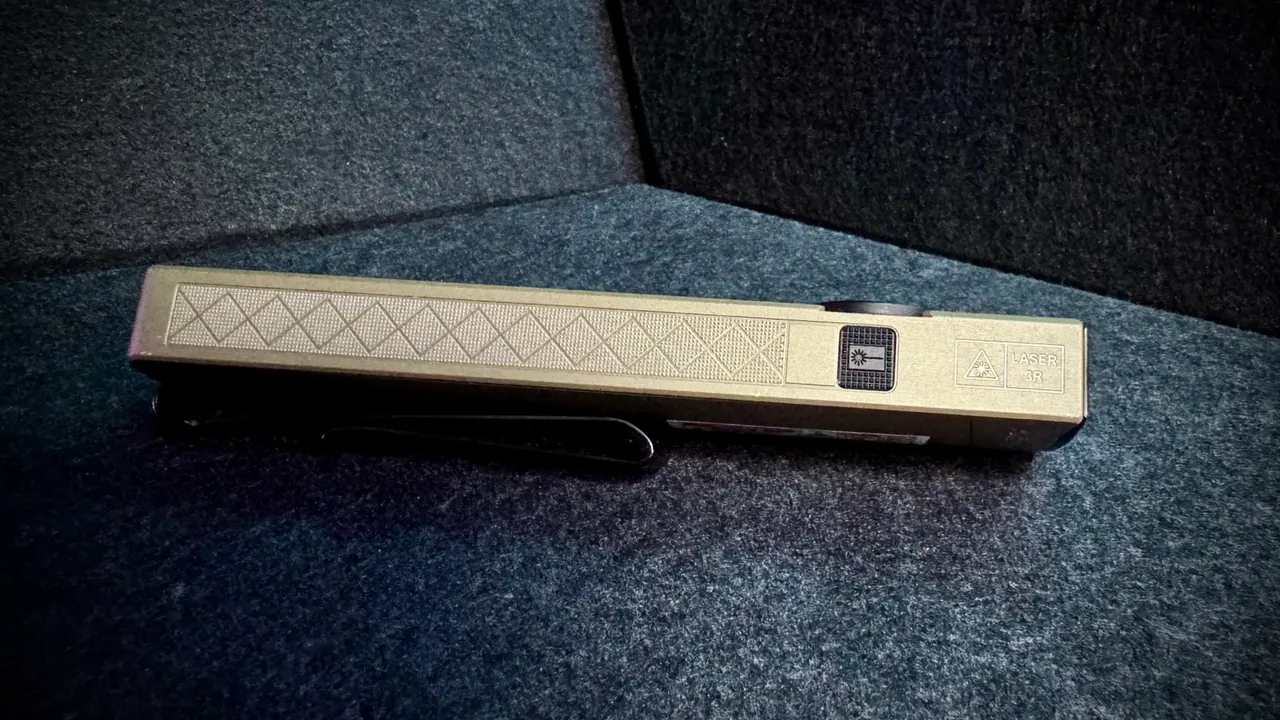
And the dedicated side button for the laser turns what used to be a mode-cycle fumble into a single deliberate press, independent of whatever white beam is already running. Neither shows up as a headline number. Both show up constantly once you are actually carrying the thing.
If you already own an Arkfeld Ultra, there is no need to replace it. It still covers most EDC use cases well. Buying fresh, the ArkPro Ultra is the better tool for anyone doing real field work rather than casual carry. If you want the same feature set for less money, the standard Olight ArkPro, our EDC Flashlight of the Year 2026, is the better-value pick for most buyers.
What Olight claims, and what we found
Olight markets the turbo numbers hard, 1,700 lumens flood and 800 spot. Those numbers are real, but they are a burst, not a sustained figure, and the published runtimes make the size of the drop clear: flood runs 1,700 lumens for roughly 3 minutes before settling to 520, and spot runs 800 for about 4 minutes before settling to 400.
That is normal thermal behaviour for a light this size and Olight publishes it rather than hiding it, but the headline number is not what you are working by. The sustained figures are the honest ones to plan around, and 520 lumens of flood for over two hours is the more useful spec for actual field work anyway. The four lights, seven configurations claim holds up cleanly in practice, and the independent laser control is exactly as useful as it sounds on paper.
Where it lands
This is not a light for someone who wants a single, simple on-off tool. It is for someone who wants flood for general work, a focused spot for distance, UV for inspection, and a laser for pointing, all in one unit that clips into a pocket instead of dragging pocket weight to one side. That covers a lot of field work: tracing a run in a dark ceiling void, checking a door strike in an unlit vestibule, pointing out a specific termination while keeping the surrounding area lit.
It splits neatly across two kinds of user on the same job. For the project manager or engineer walking a site, the value is in the beam and the laser. The spotlight reaches across a parkade or down a long corridor to check a device without walking the whole span, and the laser points out a specific camera, panel, or cable run to a crew or a client without anyone climbing a ladder to work out what you mean. The unglamorous rest of it is reading a drawing, a panel schedule, or a faded label in a dark riser. For the field technician it is the close-in work: flood in a ceiling void with both hands busy, UV for inspection, checking a surface, a finish, or a termination for the imperfections, residue, and markings that do not show under white light, and a beam that does not quit halfway through a service call. One light covers the person specifying the work and the person doing it.
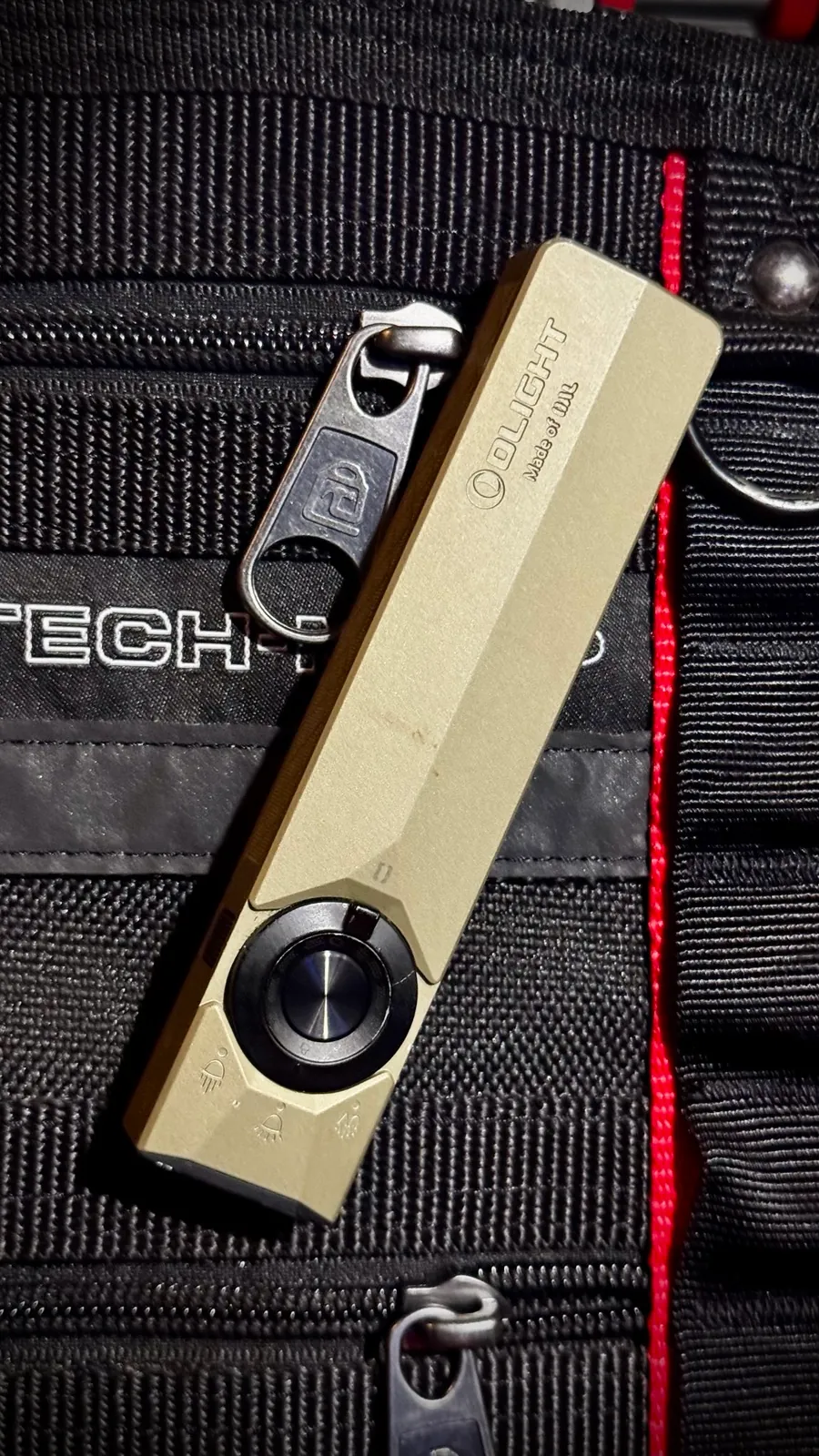
The flat body and factory clip are a real part of why it gets carried. It sits flush against a pocket seam or a bag panel instead of rolling like a tube light, and the clip has enough tension to trust on the outside of a bag.
Rating: 5 out of 5. It fixes the two things that quietly annoyed about the Arkfeld Ultra, a charging cable you had to think about and a laser buried in a mode cycle, without giving up anything the older light did well.